

Log in with Ethos
This integration is powered by Privy, allowing users to sign in with the Ethos Everywhere wallet.
You can find a working reference implementation here:
- Example app: https://login-example.ethos.network
- Source code: https://github.com/trust-ethos/log-in-with-ethos
1. Prerequisites
Section titled “1. Prerequisites”To integrate Log in with Ethos, you need:
- A Privy account
- An application configured in the Privy Developer Dashboard
- An Ethos account (for testing login)
2. Configure Privy
Section titled “2. Configure Privy”Step 1 — Create a Privy app
Section titled “Step 1 — Create a Privy app”- Go to Privy Developer Dashboard
- Create a new application (or use an existing one)
- Copy your APP ID
You will use this on the client side when initializing Privy.
Step 2 — Enable integration with Ethos
Section titled “Step 2 — Enable integration with Ethos”Inside your Privy dashboard:
- Navigate to Global wallet → Integrations
- Find Ethos Network and enable it.
3. Install Privy in your app
Section titled “3. Install Privy in your app”Add Privy’s SDK to your project.
4. Initialize Privy
Section titled “4. Initialize Privy”Use your Privy App ID to initialize Privy in your React app:
import { PrivyProvider } from '@privy-io/react-auth';
<PrivyProvider  appId={import.meta.env.PUBLIC_PRIVY_APP_ID}  config={{    loginMethodsAndOrder: {      primary: ['privy:cm5l76en107pt1lpl2ve2ocfy'],    },  }}>  <App /></PrivyProvider>
5. Trigger Login with Ethos
Section titled “5. Trigger Login with Ethos”Inside your app:
import { usePrivy } from '@privy-io/react-auth';
const { login } = usePrivy();
<button onClick={() => login()}>Sign in with Ethos</button>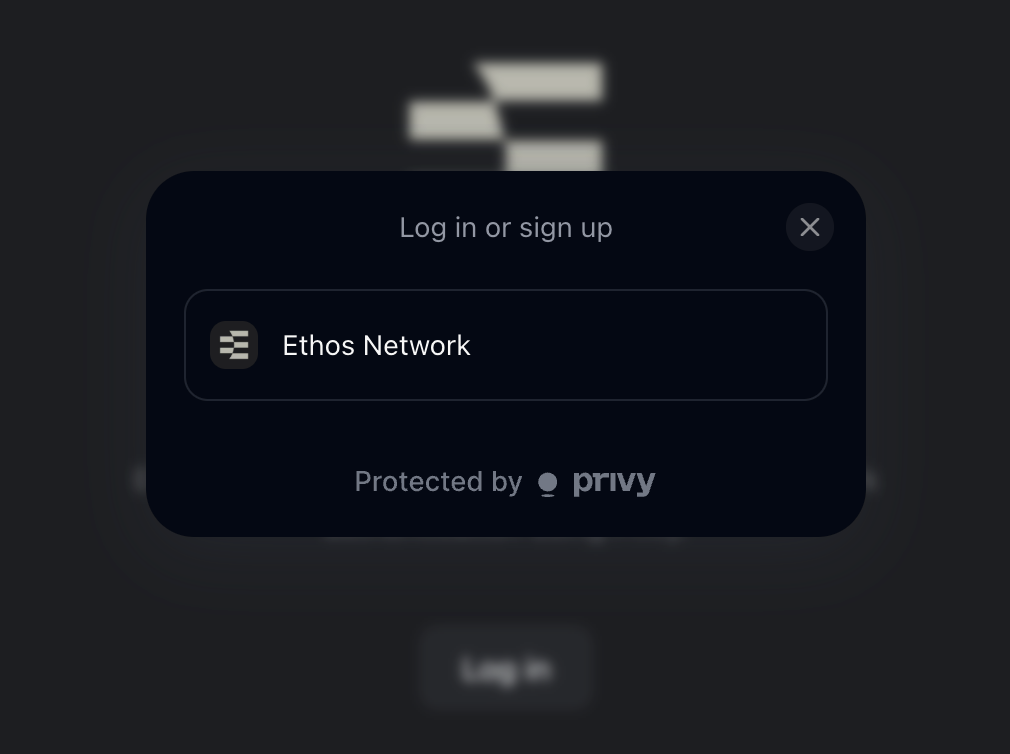
Example app
Section titled “Example app”A fully working implementation demonstrating the entire flow:
- Live Demo: https://login-example.ethos.network
- GitHub Repo: https://github.com/trust-ethos/log-in-with-ethos